

Remootio Pro
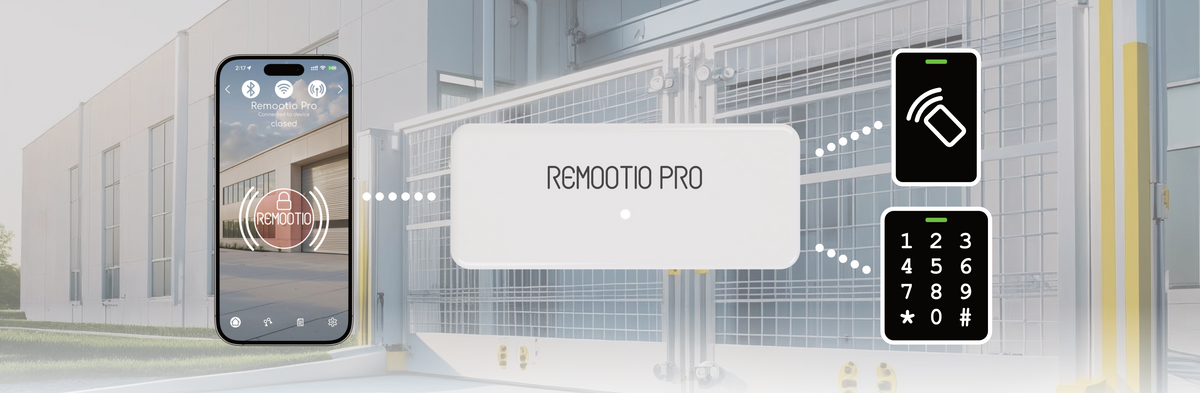
Flexible, scalable access control for businesses, hotels, commercial spaces, and multi-door installations. Remootio Pro is a Smart Access Controller for electric locks, gates, doors and barriers.
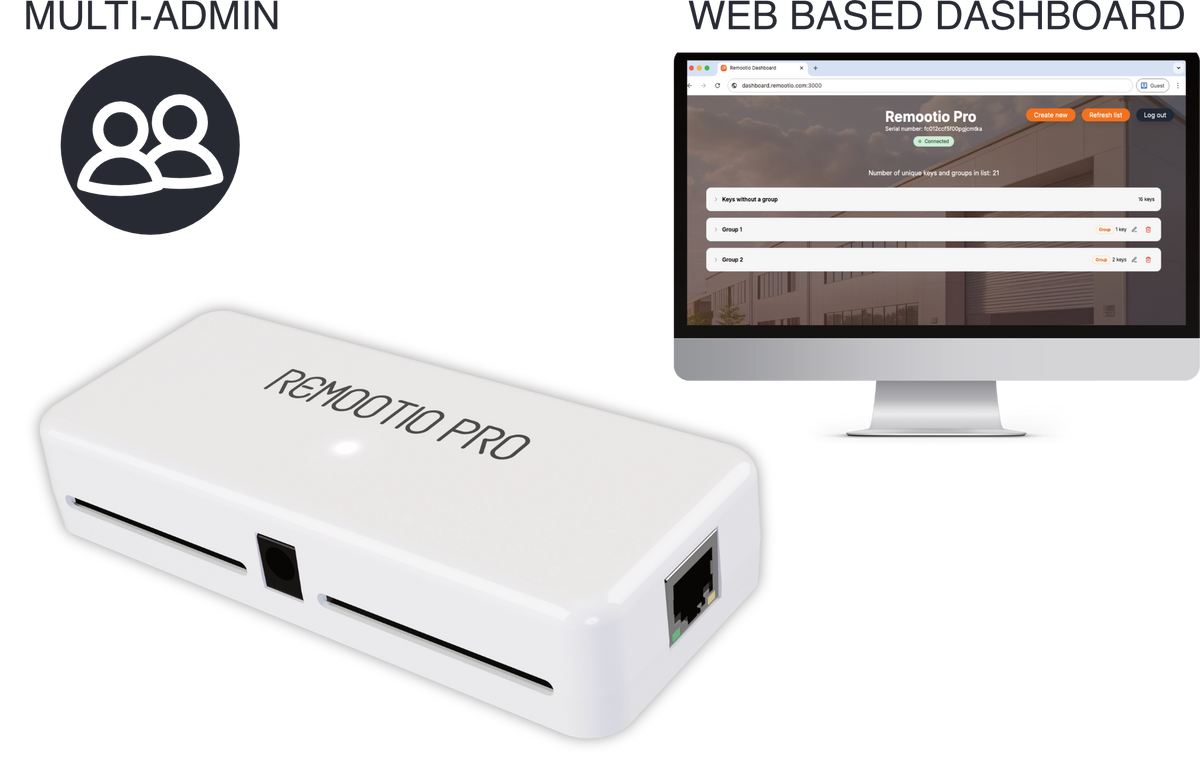
With the multi-admin support, and web based dashboard it is easy to manage up to 2000+ users.
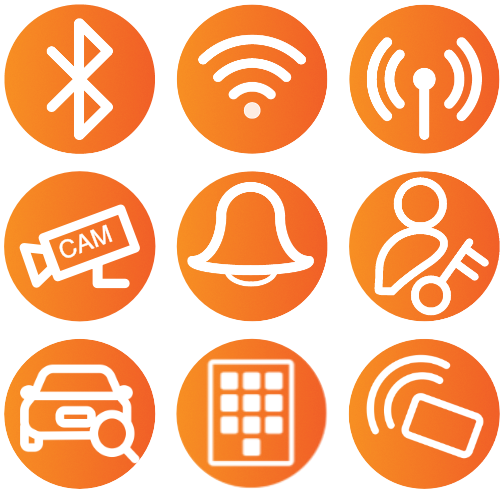
Connectivity


Input / Output


Software


Accessories


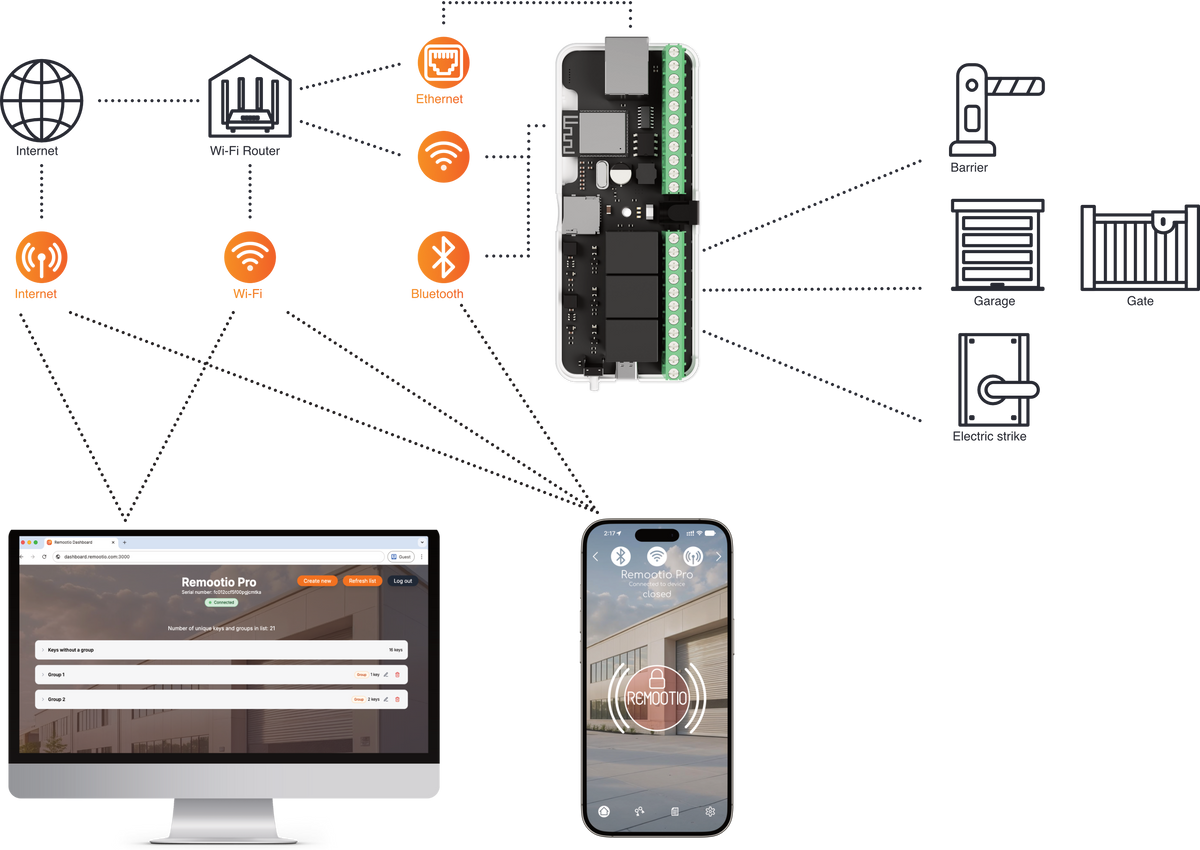
MULTIPLE SIMULTANEOUS CONNECTIONS
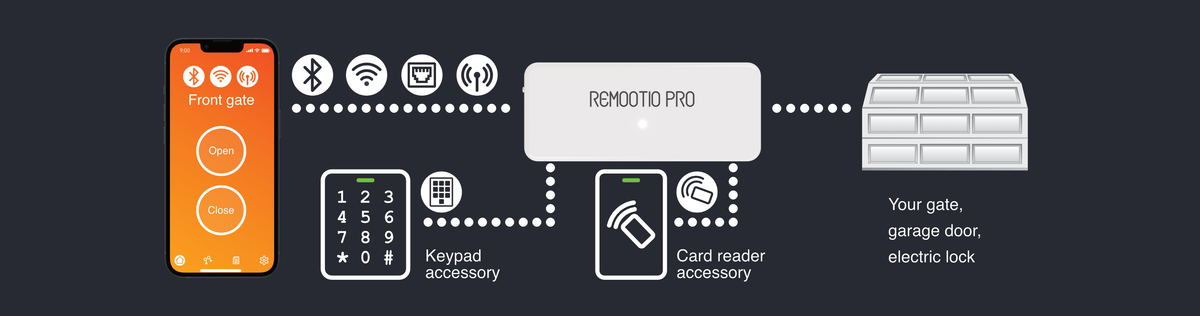
- Remootio Pro can connect to your local network using both Wi-Fi and Ethernet at the same time
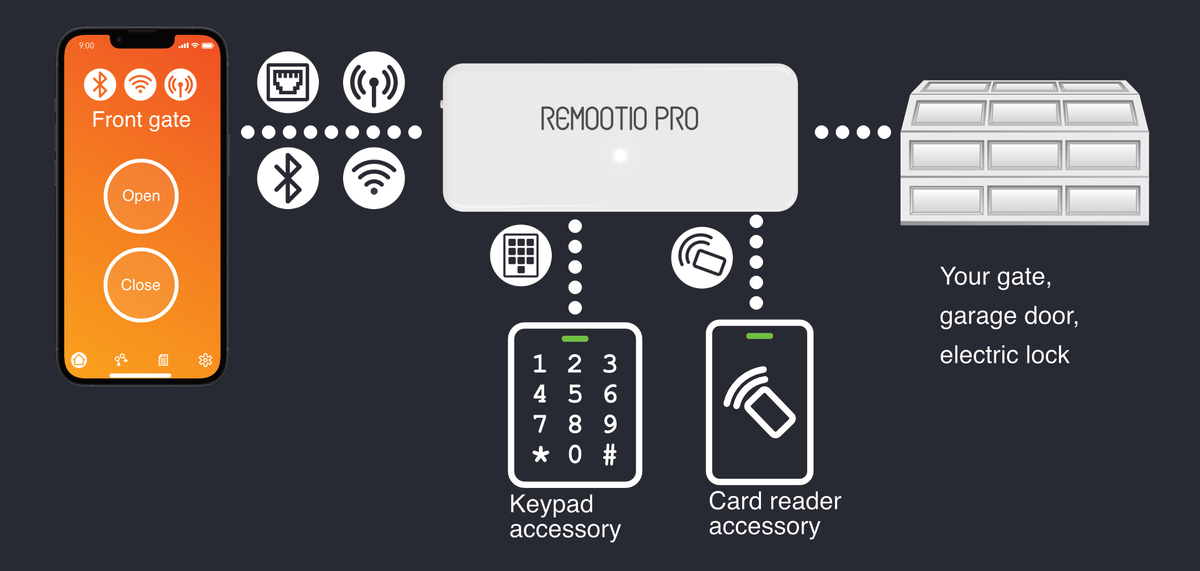
- The smartphone app automatically connects to the device via Bluetooth, local network, and the internet simultaneously for the most stable connection — no manual selection required
- In addition to the app, you can easily manage access from your computer using the Remootio Pro dashboard

WEB BASED DASHBOARD
- With Remootio Pro you are able to manage access rights of users and groups from a web based dashboard
- Secure connection with the Remootio Pro device ensures safe editing from anywhere, with instant updates on the device itself
- The built-in search field makes it easy to edit users even if there are 1000+ key shared
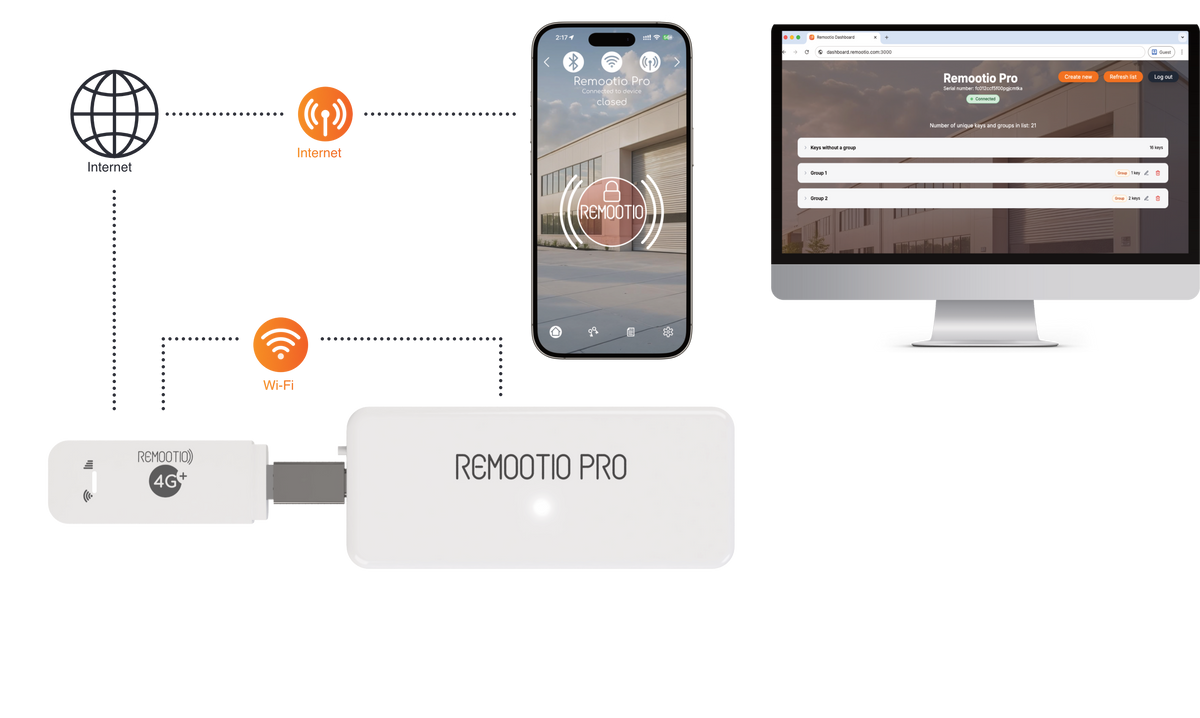
SIM HOTSPOT CONNECTIVITY (NO ONSITE INTERNET)
- Control the Remootio Pro over the internet via mobile data & our SIM card Wi-Fi hotspot
- Power the hotspot directly from Remootio Pro for simple and easy installation

LICENSE PLATE RECOGNITION (LPR) CAMERA
- Remootio Pro works with up to 3 License Plate Recognition (LPR) cameras. Configure your LPR camera to send webhooks to the Remootio Pro via the Local Area Network, or via our Cloud API.
- Which user / group is allowed to enter using a license plate can be restricted.
- Manual LPR: Add license plates manually to users in the app or web dashboard.
- Automatic LPR: Learns the license plate automatically for a user who has valid access (e.g. via PIN Code or RFID card) after the first successful entry. Validity period and restrictions can be set.
How to operate Remootio Pro
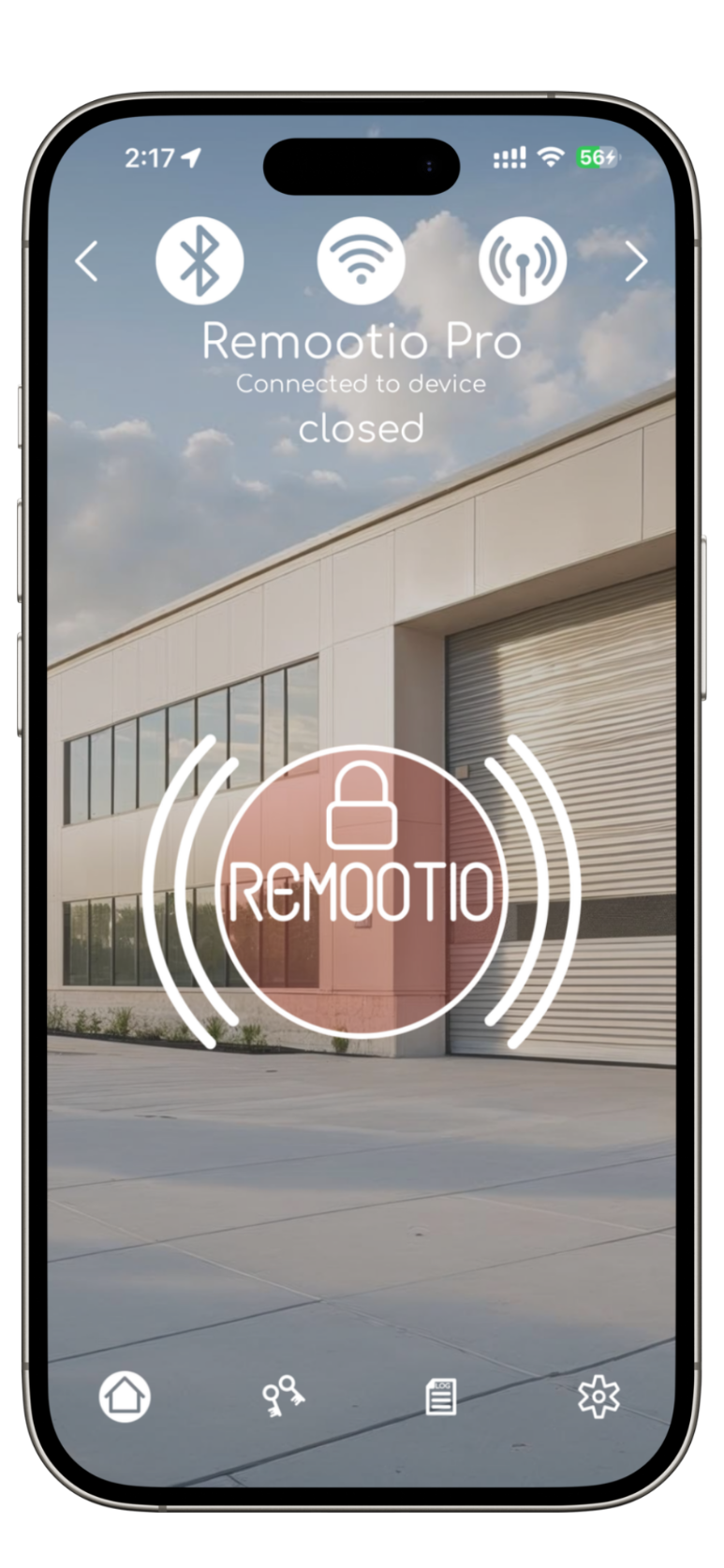
Phone App
Operate via Bluetooth, Wi-Fi, Internet or Ethernet
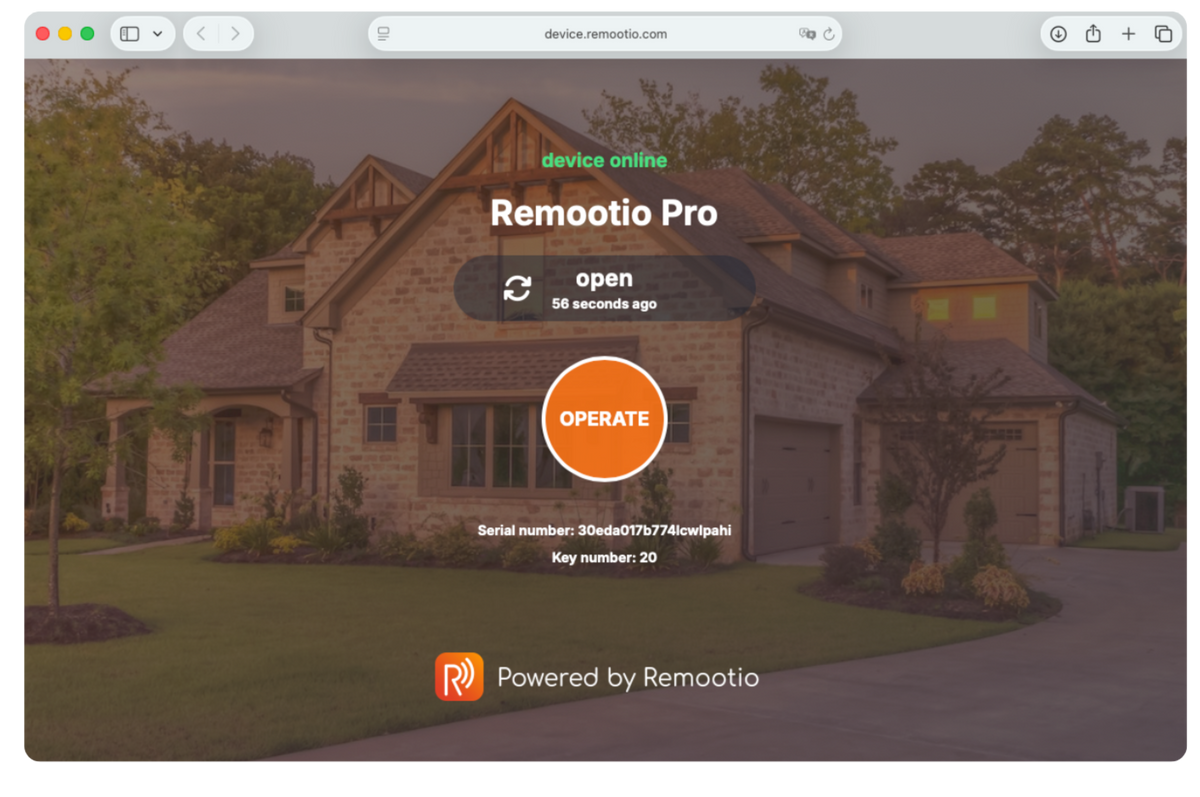
App-free key
Open the gate or door instantly via secure QR code or web browser link. No app installation required.

Keypad PIN code
Enter PIN code on keypad.
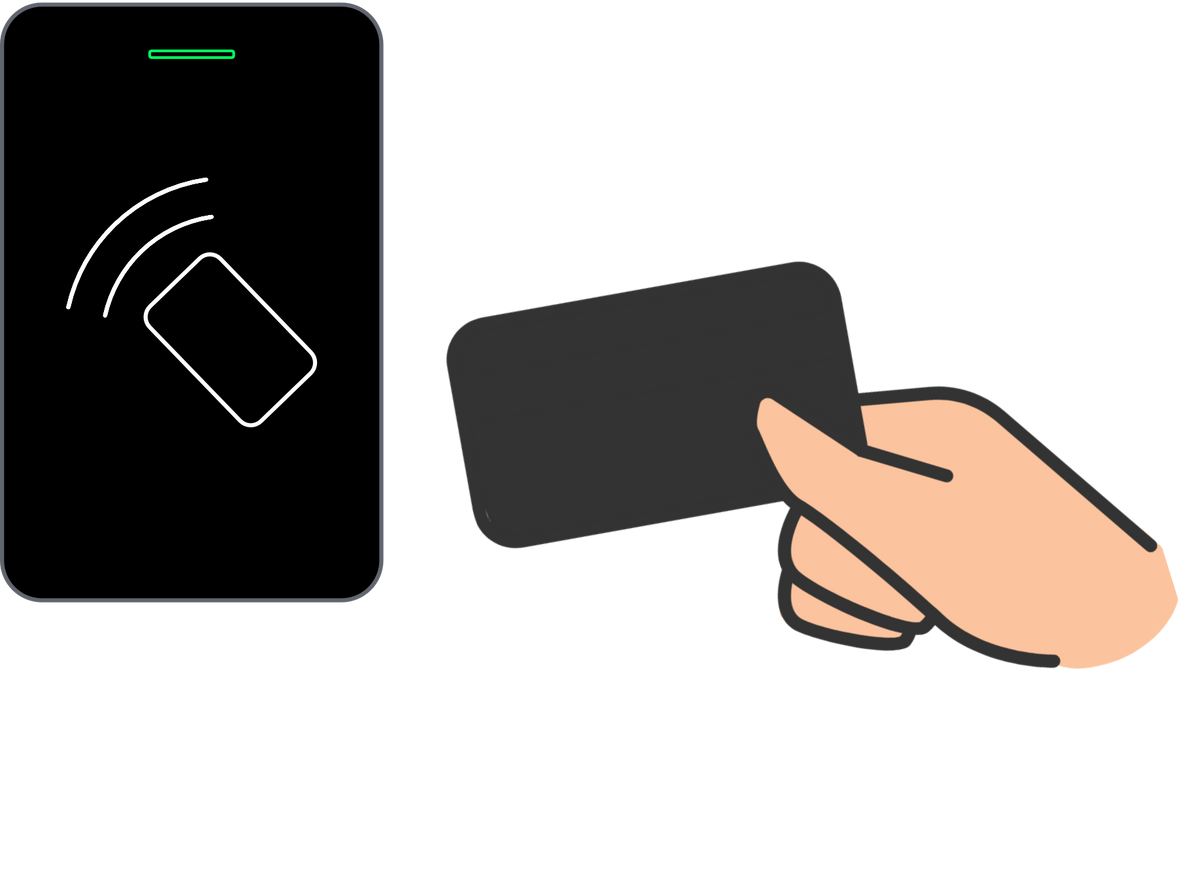
RFID Card
Tap RFID card or tag.

License Plate Recognition
Set up license plates to open the gate automatically using an LPR camera
Example use cases
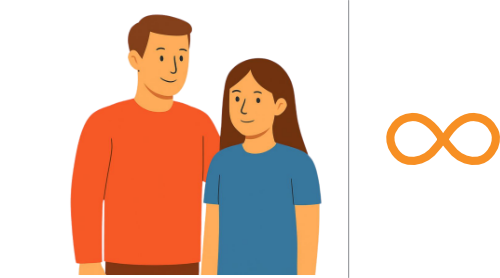
Residents
Mobile app access
(Bluetooth/ wifi / internet)
Unlimited access

Delivery staff
APP-free link / QR code only
Max Usage count: 1
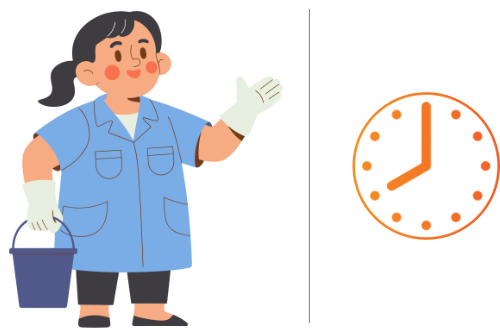
Cleaning staff
Keypad PIN code access during working hours
08:00 - 17: 00 Weekdays
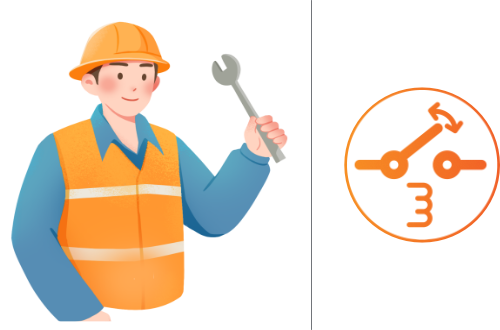
Maintenance team
RFID Card access restricted to specific gates
Output 1 & Output 3 only
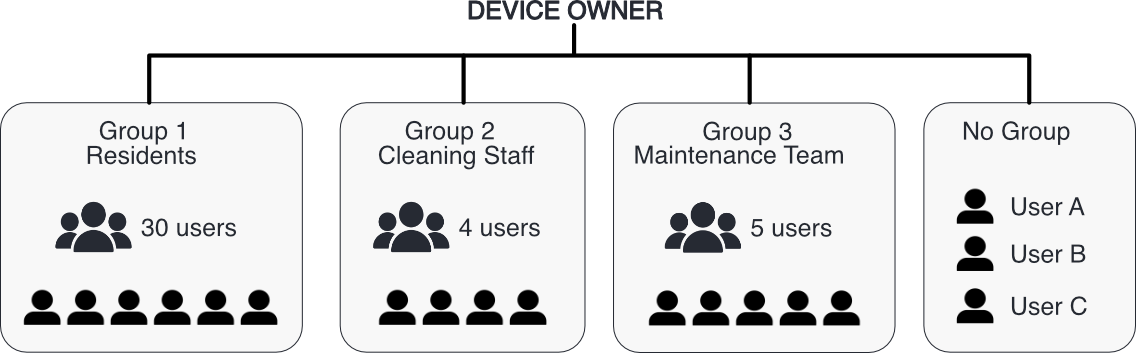
HOW USERS ARE IN GROUPS
Organize users into groups and define access rights for each group.
Group restrictions apply to every user inside that group. If a user's personal rights are wider, the group restrictions still apply.
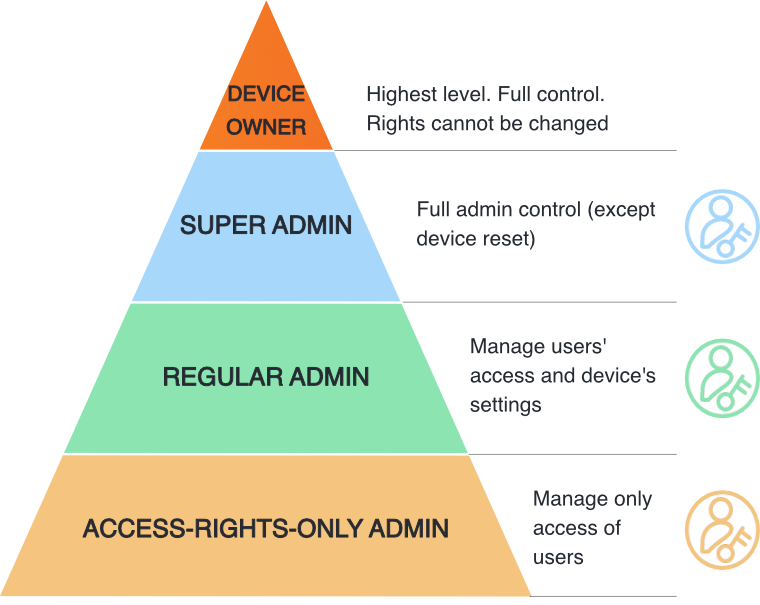
MULTI-ADMIN
Remootio Pro has different levels of administrator rights for flexible user management in various applications.
Roles and permissions
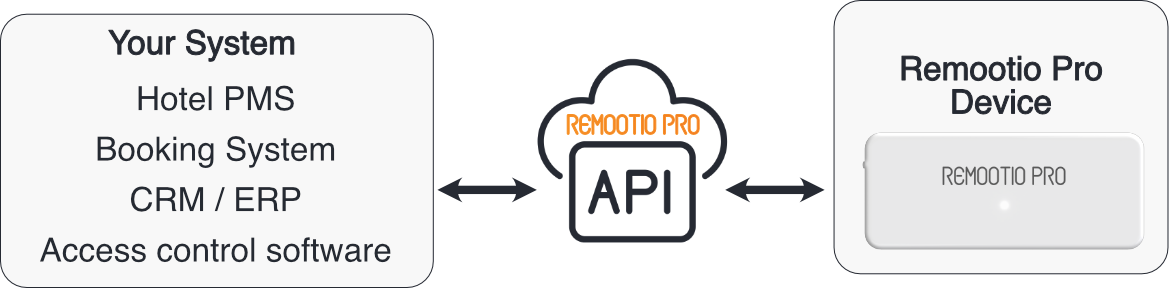
Integrate Remootio Pro into your own system.
WEB-BASED API INTEGRATION
Our web-based API allows you to control the device and manage users programmatically, from Hotel PMS, Booking System, CRM / ERP, Access control software and more.
Basic API
- Open / close the gate
- Check status if open or closed
- Operate any of the device's outputs
Advanced API
- Create new user / group
- Edit key / group access rights
- Access and read log of events
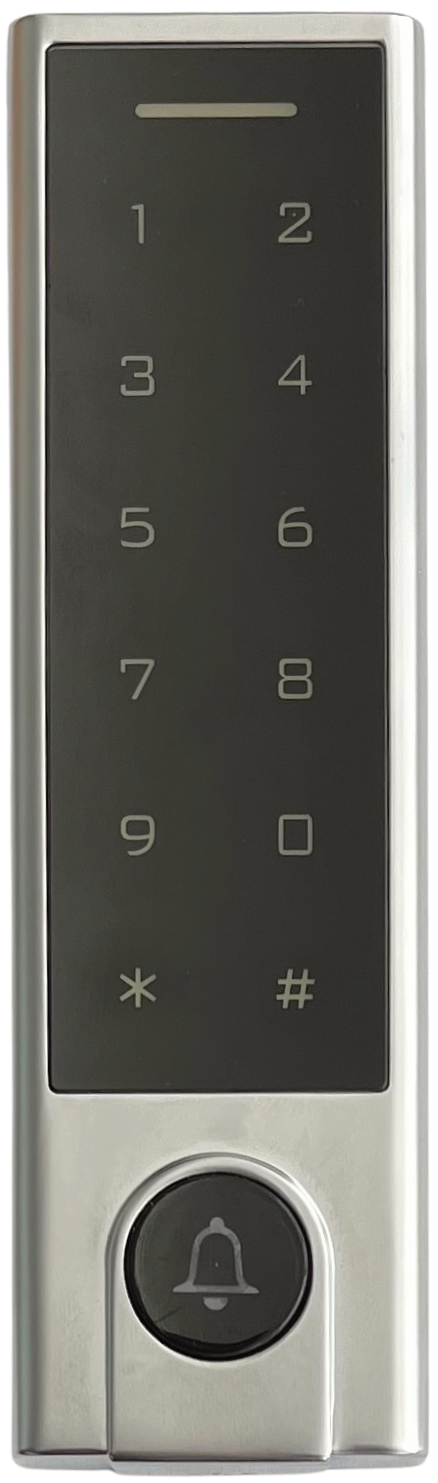
Keypads and Card Readers
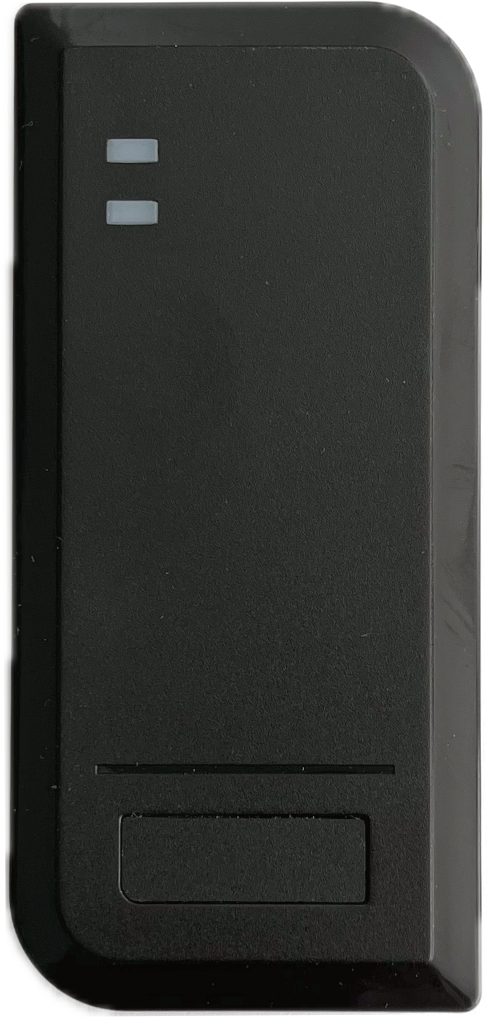
Remootio Pro has 2x wiegand type inputs to connect keypads and card readers.
Multiple types are supported. If there is a doorbell button on the device, it can be connected to the Remootio Pro.
Example Use Case
ONE-TIME ACCESS
Delivery, Guests, Pet Sitter, etc.
Admin setup
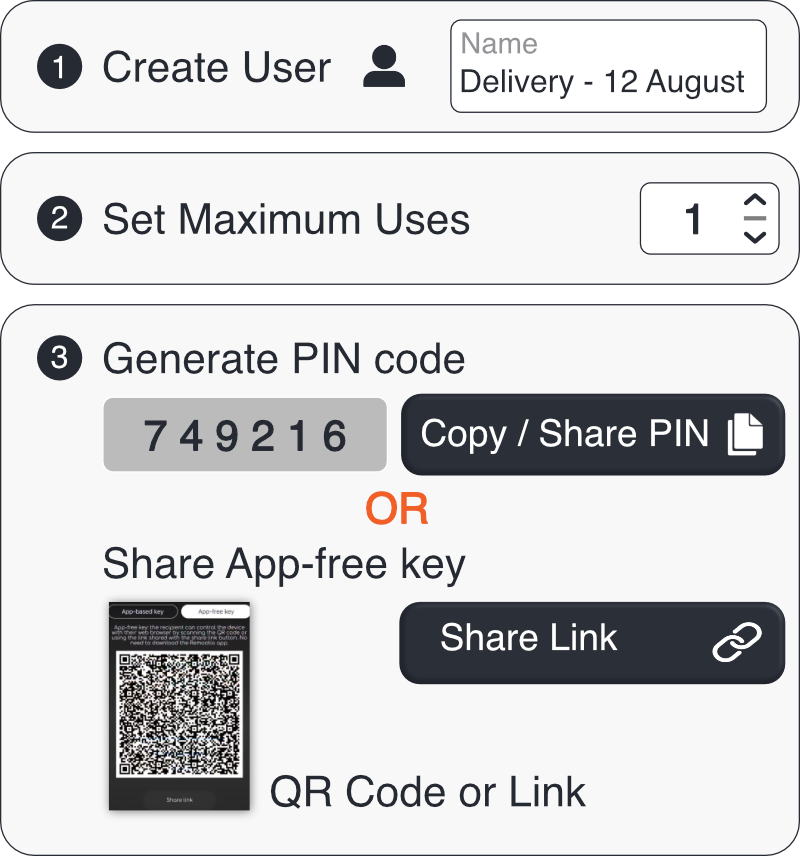
- Create a user
- Set maximum uses to 1
- Create random PIN or QR code
- Set delete user after max use
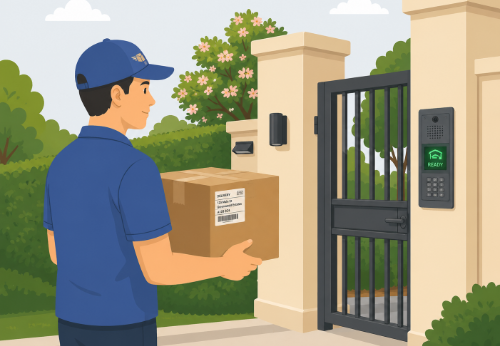
Delivery arrives
How it works
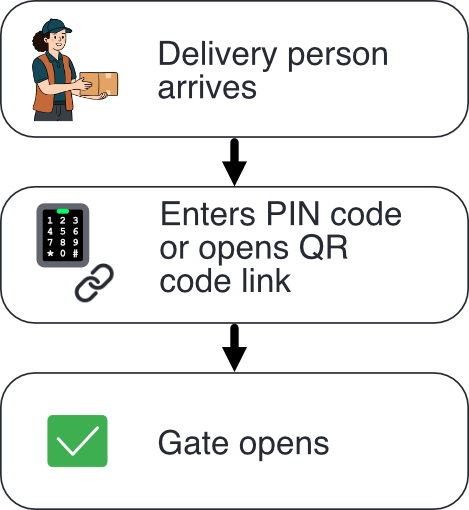
- Delivery arrives
- Enters PIN code or opens QR code link
- Gate opens
- Key is deleted automatically
Example Use Case
TIME-LIMITED ACCESS
Hotel, Parking lot, Car Rental, Gym, Private Membership Facility, etc.
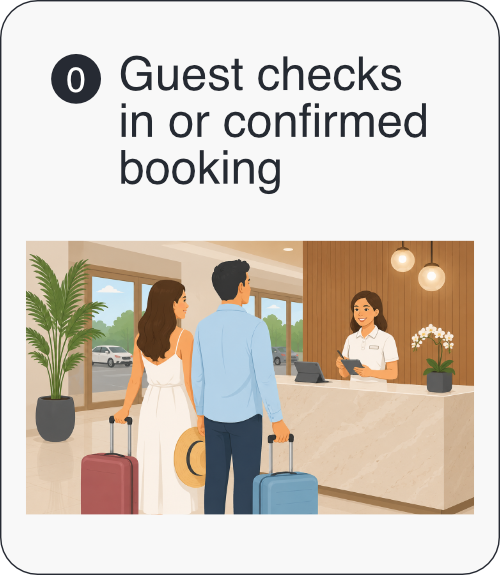
Check-in or booking confirmed
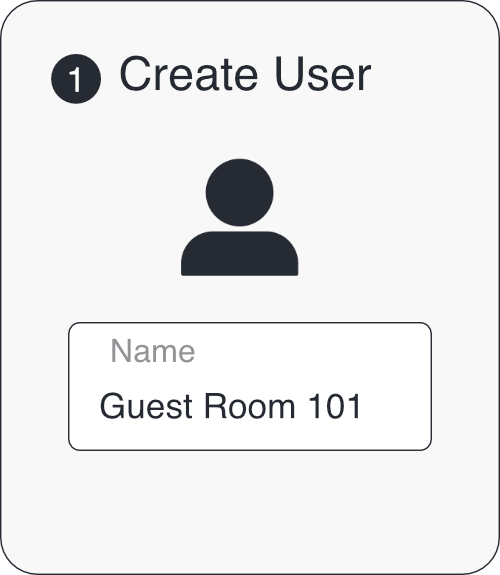
Create a user
Optionally use your own system integrated with API
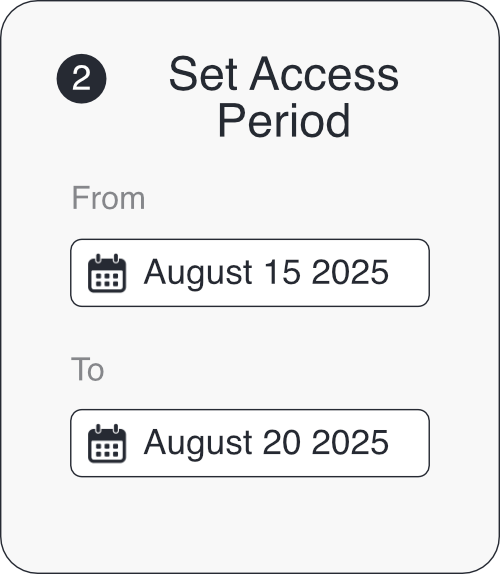
Set Access Period
The created User will only be allowed to open the door within this timeframe
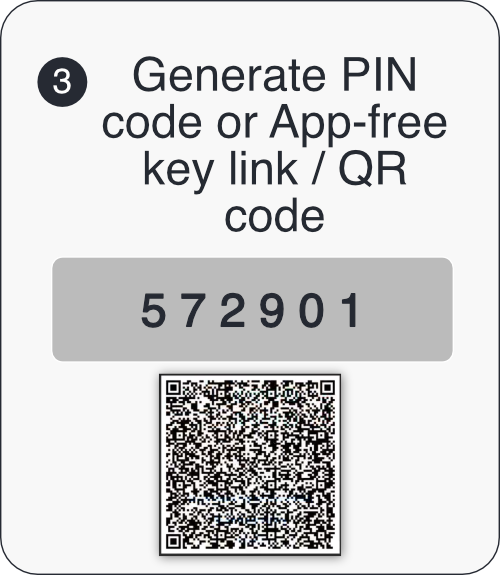
Generate PIN or QR code
The User does not need to download any APP
Share credentials
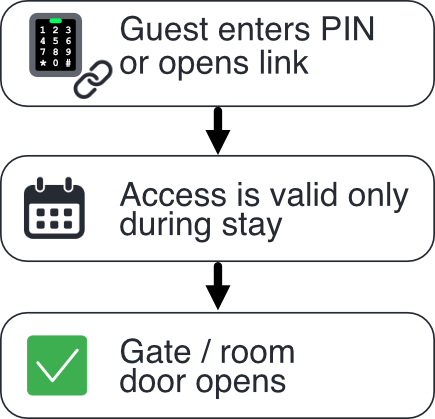
Guest enters the room
Example Use Case
GROUP ACCESS MANAGEMENT
Residential building, Gated Community, Office campus, Factory Warehouse, etc.
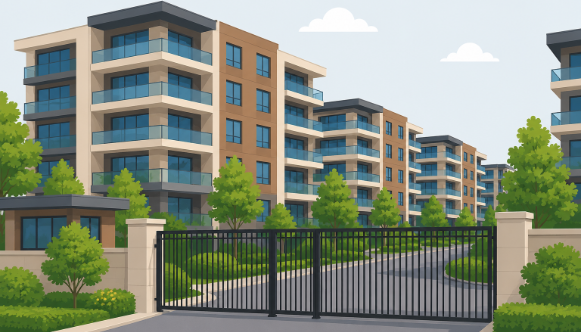
Residential setup
- One group per apartment, one access-only admin for each
- Maintenance / gardening group with restricted & time-limited access
- Max users in a group can be set by the creator of the group
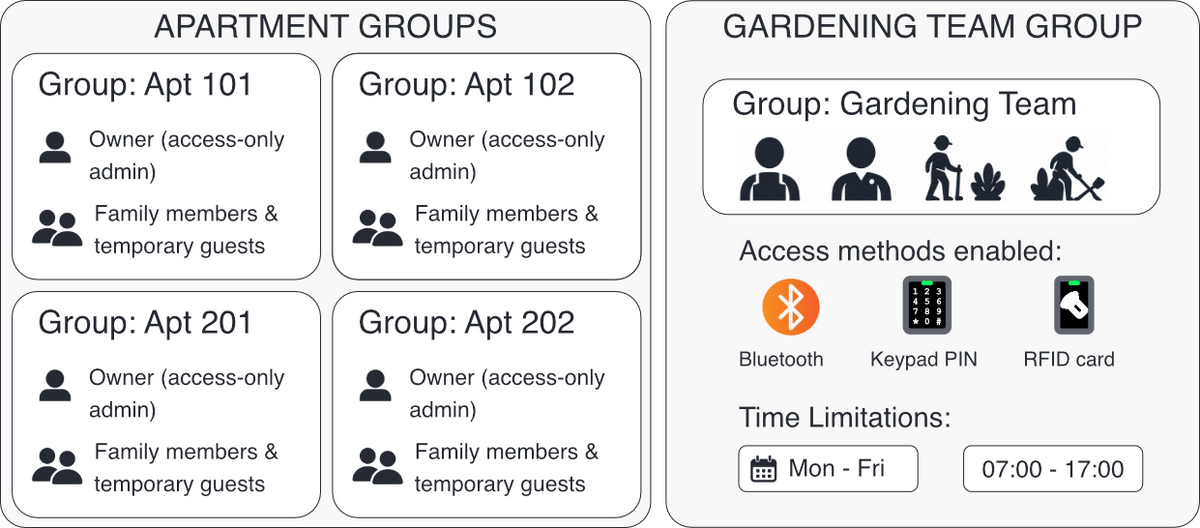
Access-only admin (owner):
- Can create users for family / temporary guests
- Set PIN code, usage limits, time limits etc. for their group
- Cannot see or change other groups or device settings
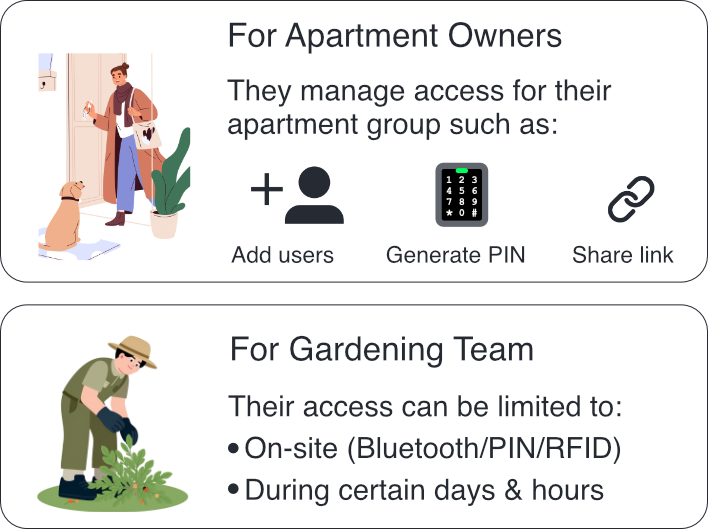
How it works
- Owners manage their apartment's access rights. For example give non-restricted access to family members, give temporary links to guests.
- Gardening team can access only during working hours, only when they are physically there (no internet access)
Access rigths you can define

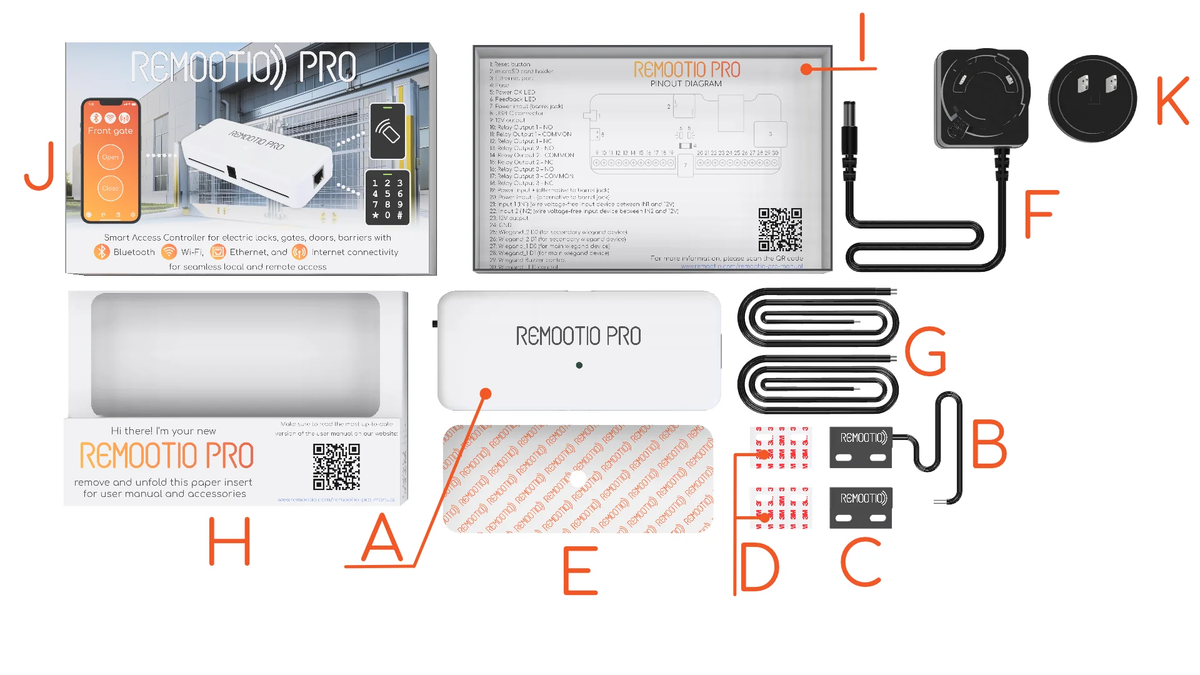
What's included in the Remootio Pro package
- A - 1 x REMOOTIO PRO unit
- B - 1 x Sensor (wired part | 4m / 13.12Ft)
- C - 1 x Sensor (wireless part)
- D - 2 x Double-sided adhesives for mounting the sensor
- E - 1 x Double-sided adhesives for mounting the Remootio unit
- F - 1 x Universal power adapter base (12V)
- G - 2 x Control wire (1 m / 3.28 feet)
- H - 1 x Quickstart guide
- I - 1 x Bottom part of packaging
- J - 1 x Top part of packaging
- K - 1 x Power adapter head (depending on where you order from, the product is shipped with type A (US), type C (EU), type G (UK) or type I (AUS) head for the universal power adapter.
Pricing & details
For pricing and product details, please contact us using the form below. Our team will get back to you shortly.
You can also reach us directly at sales@remootio.com.
Request pricing & details
Interested in Remootio Pro? Contact us for pricing, product details, and help finding the right setup for your business or project. Our team will help you get started.
You can also reach us directly at sales@remootio.com.